
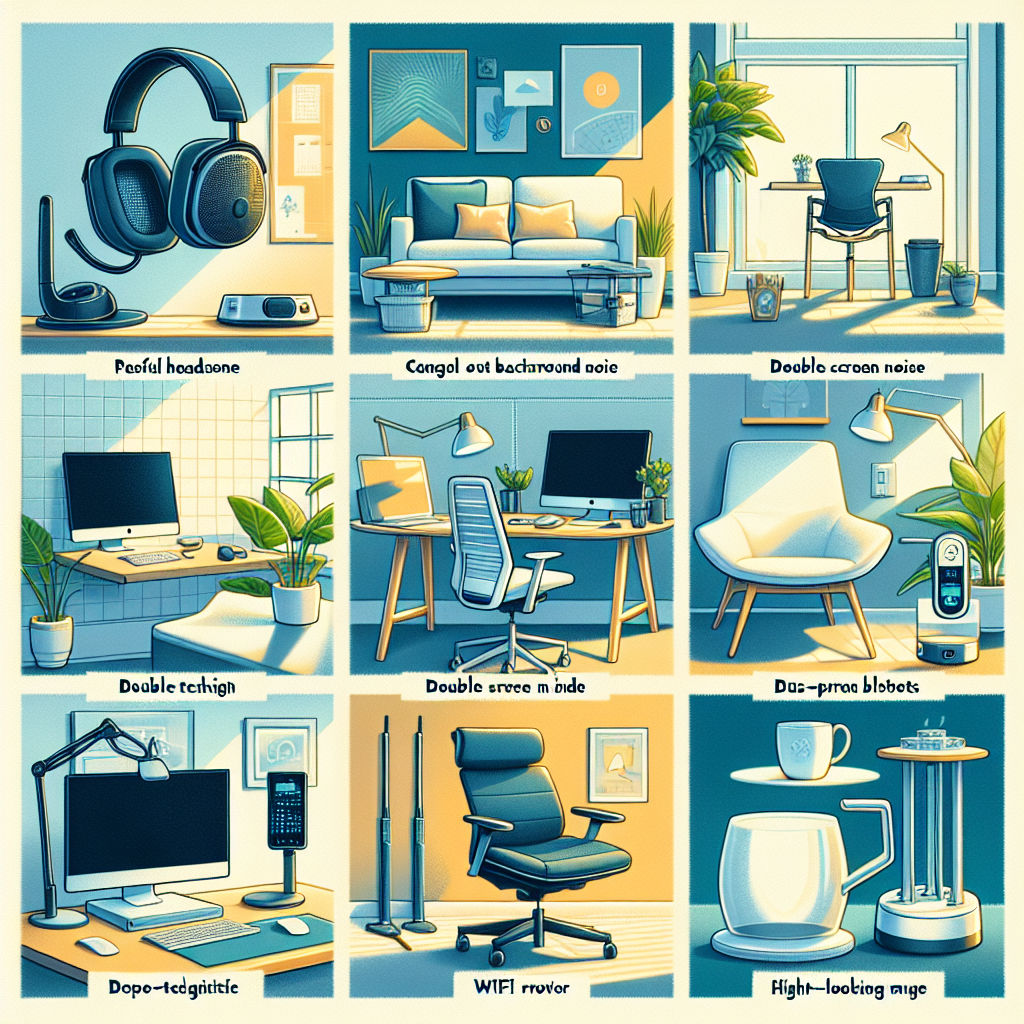
As the trend of remote work continues to ascend, we’ve witnessed a surge in the demand for unique and cool tech accessories—gadgets that not only enhance productivity but also make the work from home experience enjoyable. In this blog post, we’ll delve into the six coolest tech accessories that every remote worker must consider.
1. **Ergonomic Keyboards**
2. **Noise-cancelling headphones**
3. **HD Webcams**
4. **Portable Laptop Stands**
5. **Wireless Chargers**
6. **Smart Lighting**
1. Ergonomic Keyboards
An ergonomic keyboard is an absolute necessity for remote workers. A well-structured ergonomic keyboard like [Logitech Ergo K860](https://www.amazon.com/Logitech-Ergonomic-Split-Keyboard-Included/dp/B082LKSX3L) can help reduce the risk of repetitive strain injuries.
**Pros**:
– Reduces wrist and lower arm pain.
– Increases typing speed.
– Negates bad typing postures.
**Cons**:
– Steeper learning curve when compared to traditional keyboards.
– More expensive.
**Why it Matters**:
Long hours of typing can lead to severe health issues like Carpal Tunnel Syndrome. An ergonomic keyboard can save you from such problems and enhance your productivity.
2. Noise-cancelling Headphones
When it comes to maintaining focus, keeping surrounding noise at bay is critical. Check out headphones like the [Bose QuietComfort 35 II](https://www.amazon.com/Bose-QuietComfort-Wireless-Headphones-Cancelling/dp/B0756CYWWD).
**Pros**:
– Enhances focus by blocking out ambient noise.
– Improves call clarity.
**Cons**:
– Higher cost than regular headphones.
– Could lead to over-reliance and neglect of the environment.
**Why it Matters**:
Working from a noisy environment hampers productivity. Noise-cancelling headphones can help create a personal workspace anywhere.
3. HD Webcams
An HD webcam is essential to maintaining professionalism during virtual meetings. [Logitech’s C922x Pro Stream Webcam](https://www.amazon.com/Logitech-C922x-Pro-Stream-Webcam/dp/B01LXCDPPK) is a brilliant option.
**Pros**:
– Ensures clear video communication.
– Some models come with background blurring effects.
**Cons**:
– Requires a stable, high-speed internet connection for broadcasting HD video.
**Why it Matters**:
Impressions do matter. An HD webcam will ensure your colleagues and clients see you clearly, helping build a better professional image.
4. Portable Laptop Stands
To alleviate neck strain, consider a portable laptop stand like the [NEXSTAND K2](https://www.amazon.com/NEXSTAND-K2-Portable-Adjustable-Notebooks/dp/B01EIYYJPQ).
**Pros**:
– Enhances body posture.
– Promotes better cooling for the laptop.
**Cons**:
– Might require an additional keyboard and mouse for comfort.
– Not all models are sturdy enough to support heavier laptops.
**Why it Matters**:
Neck strain from looking down at your laptop can be avoided with the use of a laptop stand. It facilitates a better sitting posture, reducing the risk of backache and strain.
5. Wireless Chargers
A wireless charger like the [Anker Wireless Charging Pad](https://www.amazon.com/Anker-Wireless-PowerWave-Charger-Qi-Certified/dp/B07DBXZZN3) reduces desk clutter.
**Pros**:
– Reduces cable clutter.
– Facilitates easy pick-up and drop-off of the device.
**Cons**:
– Slower charging compared to wired chargers.
– The device has to be properly aligned on the pad for charging.
**Why it Matters**:
Clutter-free workspace enhances concentration and productivity.
6. Smart lighting
A well-lit workspace can significantly impact productivity and eyesight. Check out offerings like [Philips Hue](https://www.amazon.com/Philips-Hue-Bluetooth-Compatible-Assistant/dp/B07RXYVB36) for customizable workspace lighting.
**Pros**:
– Customizable light settings based on the task or time of the day.
– You can control some models using voice assistants.
**Cons**:
– More expensive compared to traditional lighting solutions.
– Requires smart bulbs and possibly a hub for full functionality.
**Why it Matters**:
Depending on your workload, you could be spending a substantial amount of your day at your desk. A smart lighting system can reduce eye strain and enhance workspace aesthetics.
FAQs
**Q1. Are ergonomic keyboards difficult to use?**
Initially, they might require some getting used to, but once you adapt, they prove to be much more comfortable.
**Q2. Are noise-cancelling headphones harmful to hearing?**
No, they are not harmful. However, it’s recommended to keep the volume at a safe level.
**Q3. Should the webcam be at eye level?**
Yes, maintaining the webcam at eye-level is considered best for professional video calls.
**Bottom Line**
Every remote worker’s needs may vary, but these tech accessories aim to boost productivity, comfort, and overall work experience while contributing to optimal health. To thrive in remote work, investing in technology that supports your lifestyle and workstyle is crucial.
**Sources:**
1. [Ergonomic keyboards – Do they really help? (Zapier)](https://zapier.com/blog/best-ergonomic-keyboards/)
2. [Tech Gadgets for Working at Home: A Comprehensive Guide (TechCrunch)](https://techcrunch.com/2020/03/15/working-from-home-here-are-8-tech-tips-to-help-you-cope/)
3. [The Best HD Webcams for Video Conferencing (Wired)](https://www.wired.com/story/best-webcams/)
4. [Lights: Smart vs. Traditional Bulbs (Notion)](https://www.notion.so/Smart-vs-Traditional-Bulbs-Which-are-Best-for-Your-Home-8f436b2dfa634040bd98a71c2defaa75)
5. [Understanding Wireless Charging (OpenAI)](https://www.openai.com/blog/understanding-wireless-charging/)
Keen on grabbing more such valuable insights?
Join us in exploring the future of tech.
Sign up for our insightful newsletter or
explore more in-depth AI content.