
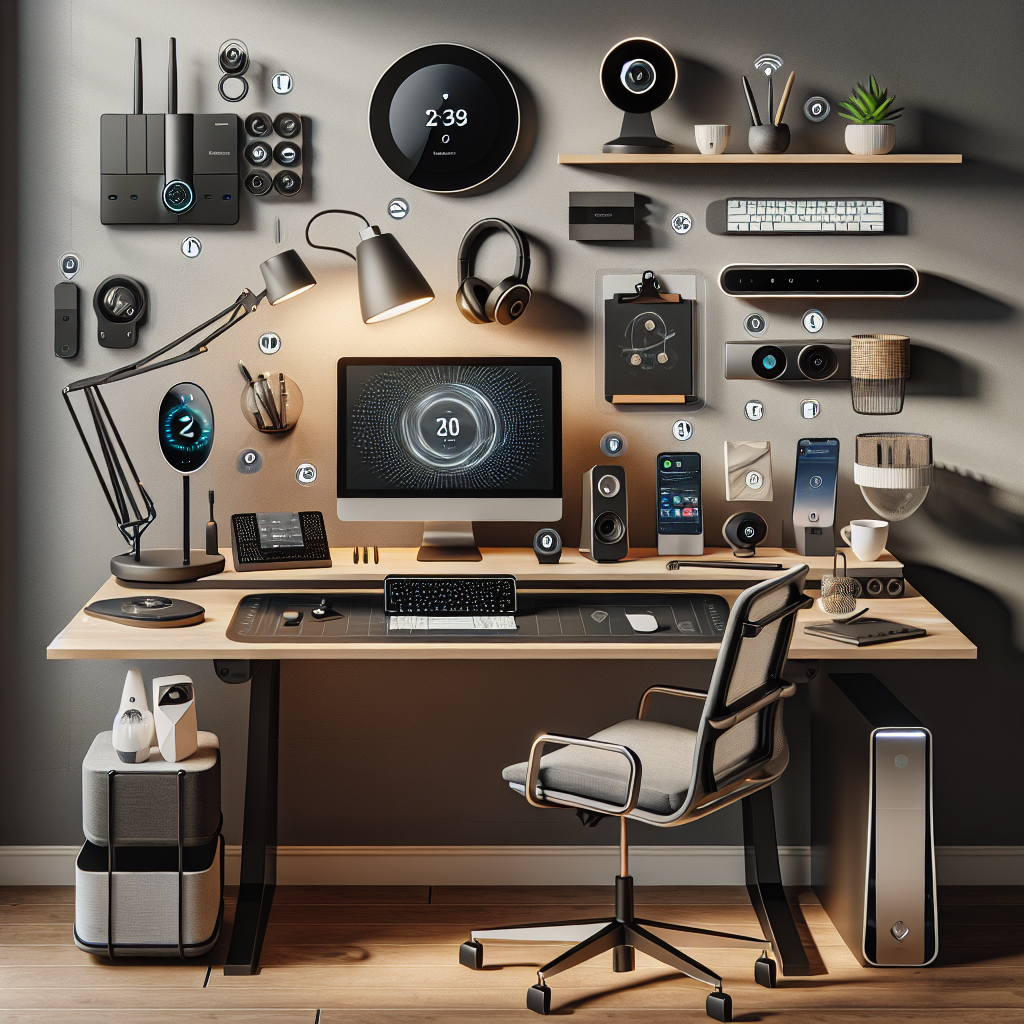
The past year ushered in a new era of workplace flexibility, with many companies transitioning to a full or partial remote work arrangement. Remote work, however, comes with unique challenges. Fortunately, a wide range of innovative tech accessories is on hand to enhance productivity and comfort for the modern telecommuter. Let’s dive into ten of the coolest tech accessories guaranteed to level up your work-from-home game.
Ergonomic Keyboard and Mouse Combo
**Addressing your comfort should be priority one when setting up a home workspace.** An ergonomic keyboard and mouse combo like [Logitech’s Ergo K860](https://www.amazon.com/Logitech-Ergonomic-Split-Keyboard-Wrist/dp/B085RTD8Z3/) not only ensures maximum comfort but reduces the risk of repetitive strain injuries.
Pros:
* Supports healthy typing habits.
* Reduces wrist strain.
* Can enhance productivity.
Cons:
* Takes time to adjust to the new typing position.
* Can be costly compared to standard keyboards.
_Why it Matters:_ Good ergonomic practices are crucial to maintaining health and productivity in the long term.
Quality Webcam
Setting up a quality webcam like the [Logitech C922x Pro Stream Webcam](https://www.amazon.com/Logitech-C922x-Pro-Stream-Webcam/dp/B01LXCDPPK) is beneficial for high-definition video meetings and teleconferencing sessions.
Pros:
* Crisp, clear video feed.
* Natural sound quality.
Cons:
* Can be an expensive upgrade if your computer already has a webcam.
* Requires a stable, high-speed internet connection.
_Why it Matters:_ In a remote work setting, a quality webcam can help maintain a professional image during video meetings.
Adjustable Desk Lamp with USB Charging
An adjustable desk lamp like the [Taotronics TT-DL13B LED Desk Lamp](https://www.amazon.com/TaoTronics-TT-DL13B-Dimmable-Eyecare-Touch-Sensitive/dp/B0197ZOAKE) is not just for illuminating your workspace. It also comes with a USB port for charging your devices.
Pros:
* Provides varying light modes according to your needs.
* USB port for handy device charging.
Cons:
* May take up valuable desk space.
* Not battery-powered, so it requires a nearby power outlet.
_Why it Matters_: Proper workspace lighting can reduce eye strain and enhance productivity.
Noise-Canceling Headphones
Noise-canceling headphones like the [Sony WH-1000XM4](https://www.amazon.com/Sony-WH-1000XM4-Canceling-Headphones-phone-call/dp/B0863TXGM3) can significantly improve focus in noisy home environments.
Pros:
* Blocks out distracting background noise.
* High-quality audio for calls and music.
Cons:
* Expensive compared to regular headphones.
* Can be uncomfortable with prolonged use.
_Why it Matters_: Noise-canceling headphones can help create a quieter, more focused work environment.
Scheduled to turn your devices on and off, [TP-Link’s Kasa Smart WiFi Plugs](https://www.amazon.com/TP-Link-HS103P2-Required-Google-Assistant/dp/B07B8W2KHZ) make your home smarter and energy-efficient.
Pros:
* Can automate your home devices.
* Reduces energy use and cost.
Cons:
* Requires a stable Wi-Fi connection.
* Can be cumbersome to set up.
_Why it Matters:_ Smart plugs can help automate your workspace, letting you focus more on your tasks.
Portable Laptop Stand
A portable laptop stand such as the [Roost Laptop Stand](https://www.amazon.com/Roost-Laptop-Stand-Adjustable-Portable/dp/B01C9KG8IG) alleviates neck strain by raising your device to an ideal viewing height.
Pros:
* Enhances ergonomics of using a laptop.
* Portable and lightweight.
Cons:
* Can be pricey compared to non-adjustable stands.
* May not fit all laptop sizes.
_Why it Matters:_ A laptop stand can significantly enhance your comfort and promote good posture while working.
Bluetooth Speaker for Conference Calls
Bluetooth speakers like the [Jabra Speak 510](https://www.amazon.com/Jabra-Speak-510-Wireless-Bluetooth/dp/B00AQUO5RI) provide superior audio quality for conference calls and music, enhancing clarity and user experience.
Pros:
* Clear, high-quality sound.
* Portable and wireless.
Cons:
* Requires a Bluetooth-enabled device.
* Can drain battery quickly during long calls.
_Why it Matters:_ The clarity of communication is crucial in a remote work setting.
Productivity Apps
Productivity apps like [Notion](https://www.notion.so), [Zapier](https://zapier.com), and [Slack](https://slack.com) can streamline your workflow, making task management and collaboration easier.
Pros:
* Helps organize tasks and deadlines.
* Facilitates team collaboration.
Cons:
* Some features may require subscription fees.
* Can have a steep learning curve for new users.
_Why it Matters:_ An organized workspace can reduce stress and boost productivity.
External Monitor
An external monitor such as the [Dell UltraSharp U2720Q](https://www.amazon.com/Dell-27-Inch-LED-Lit-Monitor-U2720QM/dp/B082XKT1BB) enhances screen visibility and reduces the strain of multitasking on small screens.
Pros:
* Provides larger workspace.
* Enhances display quality.
Cons:
* Takes up considerable desk space.
* Can be expensive to purchase.
_Why it Matters:_ Multitasking becomes more efficient with a larger screen, promoting productivity.
Portable SSD
For extra storage on-the-go, a portable solid state drive (SSD) like the [Samsung T5 Portable SSD](https://www.amazon.com/Samsung-T5-Portable-SSD-MU-PA1T0B/dp/B073H552FJ) offers speed, security, and durability in a compact design.
Pros:
* High-speed data transfer.
* Durable and compact for mobility.
Cons:
* Costly compared to conventional hard drives.
* Requires careful handling to protect data.
_Why it Matters:_ Reliable and robust data storage solutions are crucial for securing work data.
FAQs
1. Do I need all these accessories for my setup?
Not necessarily. Choose the ones that best fit your specific needs and work habits.
2. Can I write off these purchases as business expenses?
Often, yes. Consult with a tax professional for your specific situation.
3. Do these tools guarantee increased productivity?
While they can greatly enhance your work environment, your productivity ultimately depends on how you utilize these tools.
Sources
[Logitech Ergo K860](https://www.amazon.com/Logitech-Ergonomic-Split-Keyboard-Wrist/dp/B085RTD8Z3/)
[Logitech C922x Pro Stream Webcam](https://www.amazon.com/Logitech-C922x-Pro-Stream-Webcam/dp/B01LXCDPPK)
[Taotronics TT-DL13B LED Desk Lamp](https://www.amazon.com/TaoTronics-TT-DL13B-Dimmable-Eyecare-Touch-Sensitive/dp/B0197ZOAKE)
[Sony WH-1000XM4](https://www.amazon.com/Sony-WH-1000XM4-Canceling-Headphones-phone-call/dp/B0863TXGM3)
[TP-Link’s Kasa Smart WiFi Plugs](https://www.amazon.com/TP-Link-HS103P2-Required-Google-Assistant/dp/B07B8W2KHZ)
[Roost Laptop Stand](https://www.amazon.com/Roost-Laptop-Stand-Adjustable-Portable/dp/B01C9KG8IG)
[Jabra Speak 510](https://www.amazon.com/Jabra-Speak-510-Wireless-Bluetooth/dp/B00AQUO5RI)
[Dell UltraSharp U2720Q](https://www.amazon.com/Dell-27-Inch-LED-Lit-Monitor-U2720QM/dp/B082XKT1BB)
[Samsung T5 Portable SSD](https://www.amazon.com/Samsung-T5-Portable-SSD-MU-PA1T0B/dp/B073H552FJ)
[Notion](https://www.notion.so)
[Zapier](https://zapier.com)
[Slack](https://slack.com)
Keen on grabbing more such valuable insights?
Join us in exploring the future of tech.
Sign up for our insightful newsletter or
explore more in-depth AI content.